Features
How Konote works
From one tap on your watch to notes you can search.
Record
One tap to record
- On your wrist
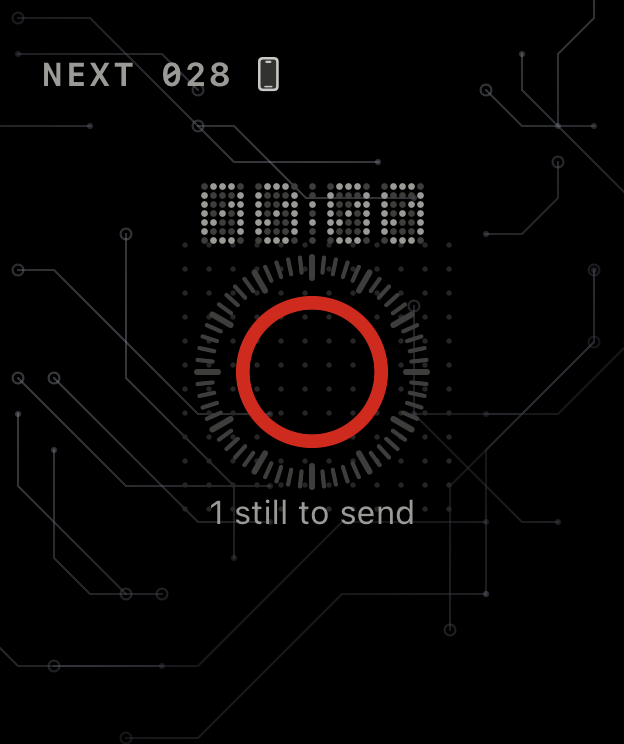
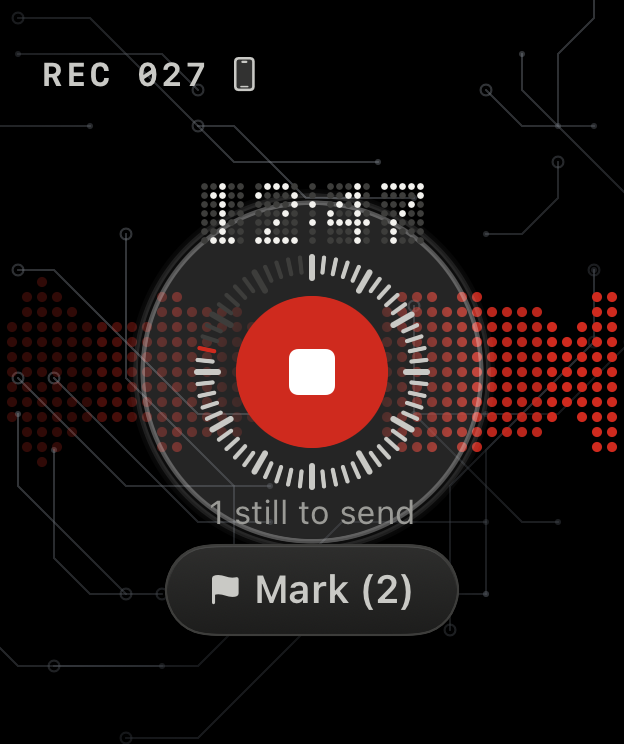
- Open Konote on your watch and tap the red button. When your watch and iPhone are connected, the recording goes to your iPhone on its own.
- Mark a moment
- Hear something important? Tap Mark, and the transcript shows a flag at that time.
- On your iPhone
- No watch today? Record on your iPhone instead.
- Bring in old recordings
- Import audio you already have (M4A, MP3 or WAV) and it becomes searchable text too.
Transcribe
Transcribed on your iPhone
- On your device
- Your iPhone turns the audio into text without uploading it. Once the speech-recognition files are downloaded, it works offline.
- Many languages
- English, Spanish, French, German, Chinese, Japanese or Korean, or let Konote detect the language.
- Transcribe again
- Added names or terms? Transcribe the whole conversation again to use them.
- Speaker labels
- After a recording, Konote labels Speaker 1, Speaker 2 and so on, on your iPhone. Name them and the whole conversation uses the names. It doesn’t recognize people across conversations.
Vocabulary
Your names and terms
- Your vocabulary list
- Add the names of clients, colleagues and products, plus the terms of your trade. Konote uses your list to recognize them and spell them your way.
Find
Find it again
- Search every conversation
- Results show which conversation and which minute.
- Just ask
- Ask something like “What did Dana say about the Q3 budget?” and get the passages that answer it, with time stamps. Needs Apple Intelligence.
Summary
A draft summary
- A draft of your notes
- Overview, key points, decisions and to-dos, each with a time stamp that opens the transcript at that moment. Needs Apple Intelligence.
Organize
Keep and share
- Export
- Save any conversation as plain text, a formatted note or a WAV audio file, and put it wherever you work.
- Recently Deleted
- Deleted recordings stay in Recently Deleted for 30 days, so you can bring them back.
- Light and dark
- Follows your iPhone’s setting.
Devices
Across your Apple devices
- iPhone, iPad and Mac
- The same app on all your Apple devices.
- Record together
- Two devices can record the same meeting; Konote lines them up and uses the clearer audio for each part.
- Meetings on your Mac
- Uses your calendar to start recording when a meeting begins.
- Encrypted sync
- To sync between your devices, Konote encrypts first, then stores it in your own iCloud.